 Joripo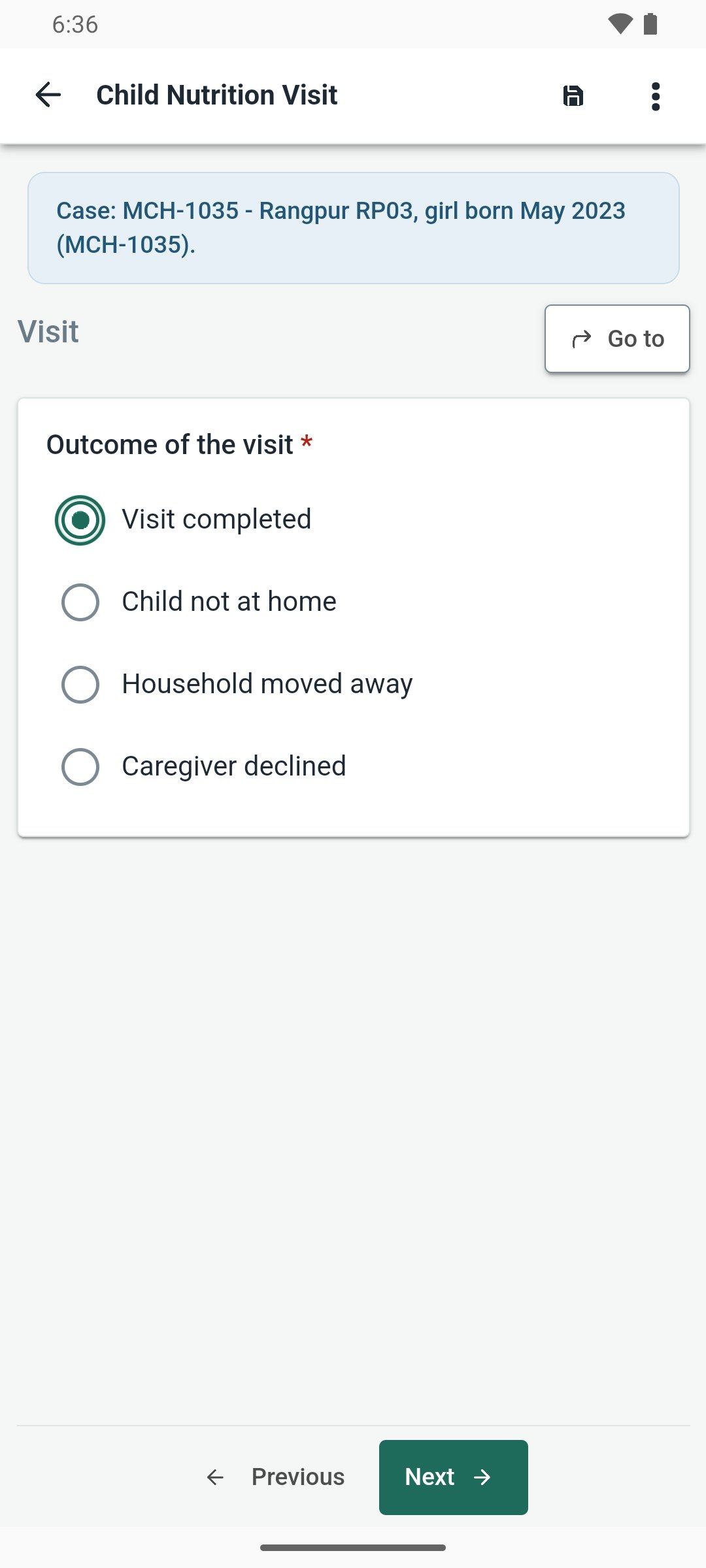
Works offline
Forms, drafts and case lists stay on the phone. Signing in and getting forms need a connection once. An interview is saved a couple of seconds after each answer, and one the phone closed appears under Recovered interviews.
Android app
Fill this server's forms on an Android phone, offline, with photos, GPS and audio, and send them here when there is a connection.
APK, 32.4 MB ·
SHA-256 46387ff325847407…. Android 8.0 or newer.

On a computer? Scan this with the phone's camera to open this page there.
Open Joripo Collect and sign in with the same three things you use on the web:
If the app asks for this server's address, tap the scan button beside Server address and scan this code, or type the address:

https://joripo.com
Your organisation may need to approve a new phone first. Once it is approved, tap Get blank forms.
No account? An owner or manager can create a device key on the workspace's Field team page. Tap Use a device key instead in the app and scan the key's QR code.
What to expect
Forms, drafts and case lists stay on the phone. Signing in and getting forms need a connection once. An interview is saved a couple of seconds after each answer, and one the phone closed appears under Recovered interviews.
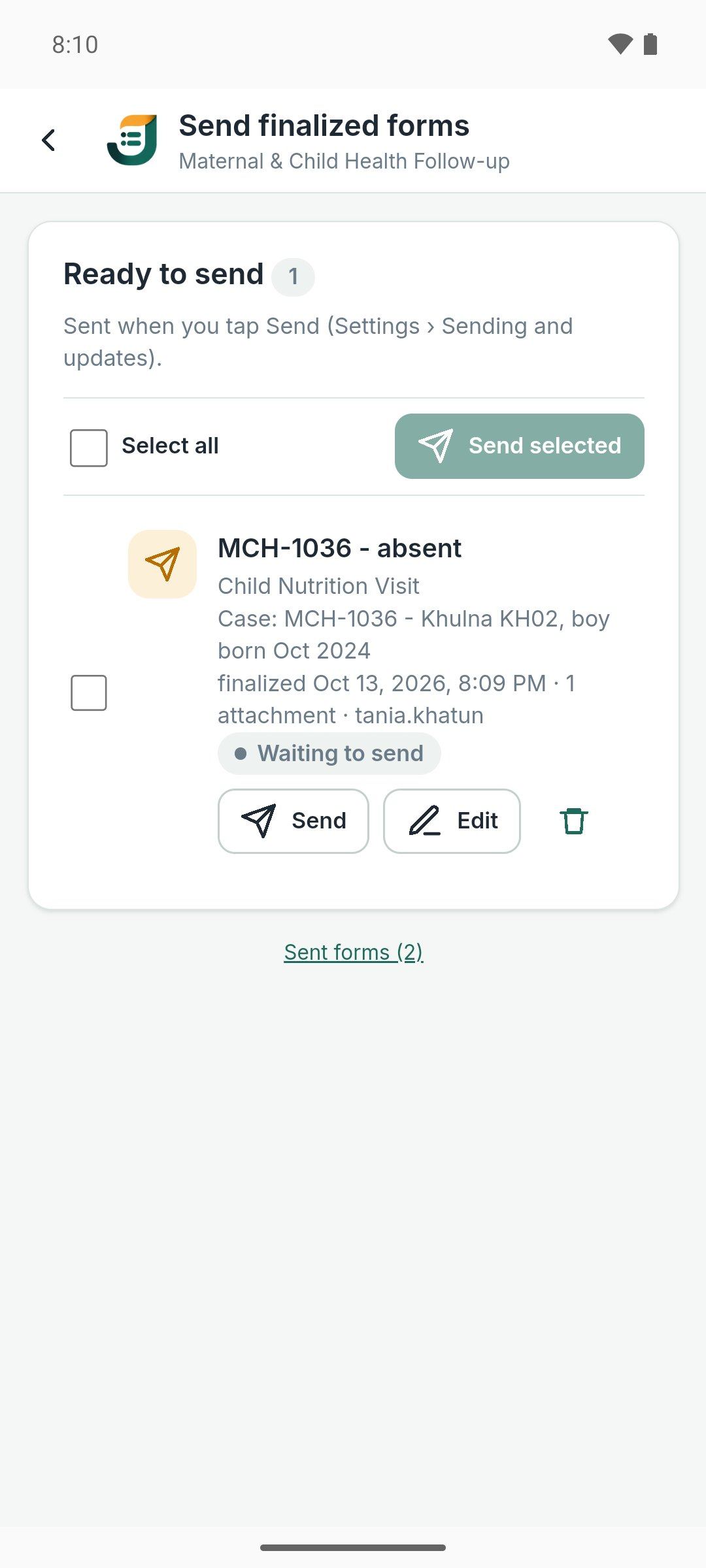
Finalized forms go to this server when a connection returns, even with the app closed, unless your server is set to send only when you tap Send.
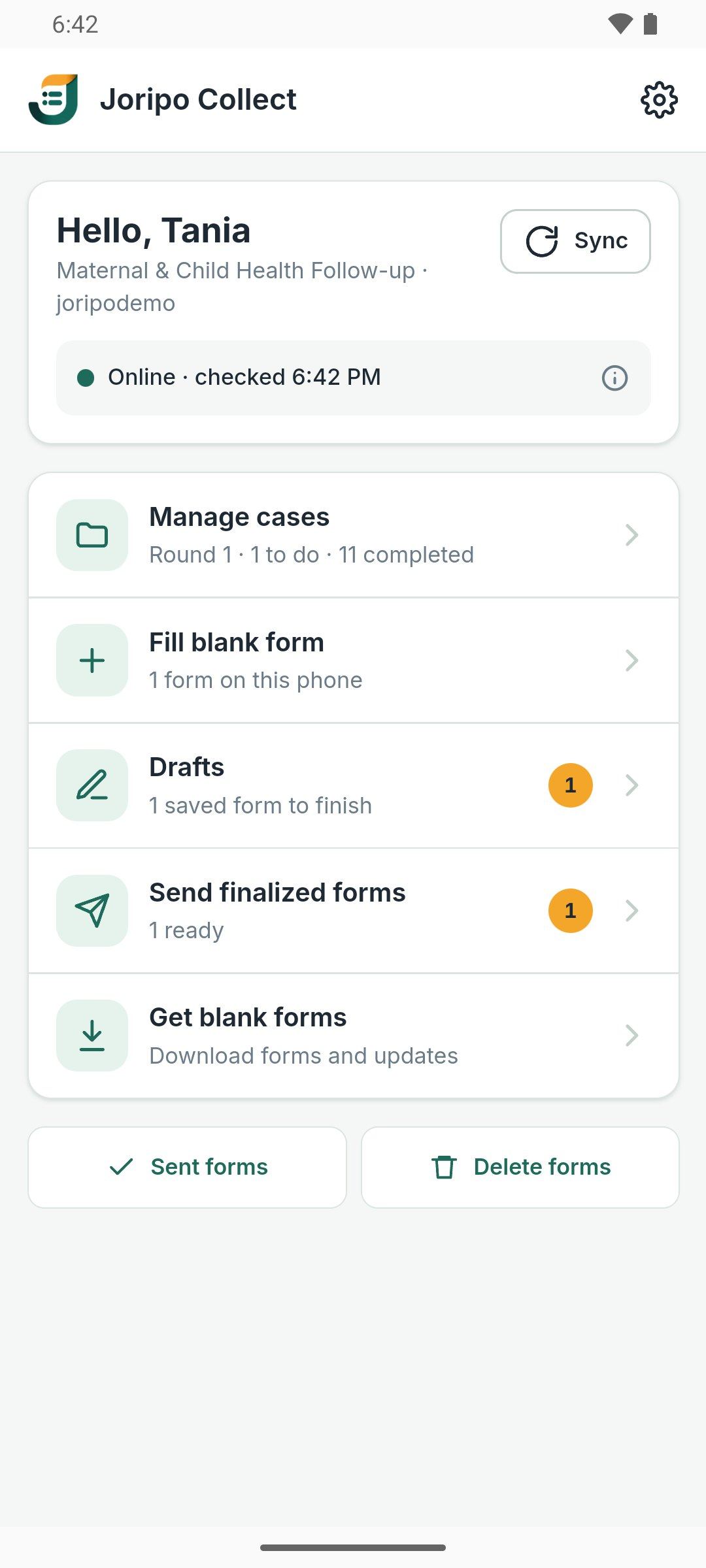
The app's own screens are in English. Forms can be written in several languages, and you switch language on the form screen.